We shipped Idep v0.1.0 — a fully functional terminal UI editor that runs in your terminal, weighs ~2MB, and starts instantly. Built with Rust, ratatui, and crossterm. No Electron. No browser engine. Just a fast, native binary that edits text.
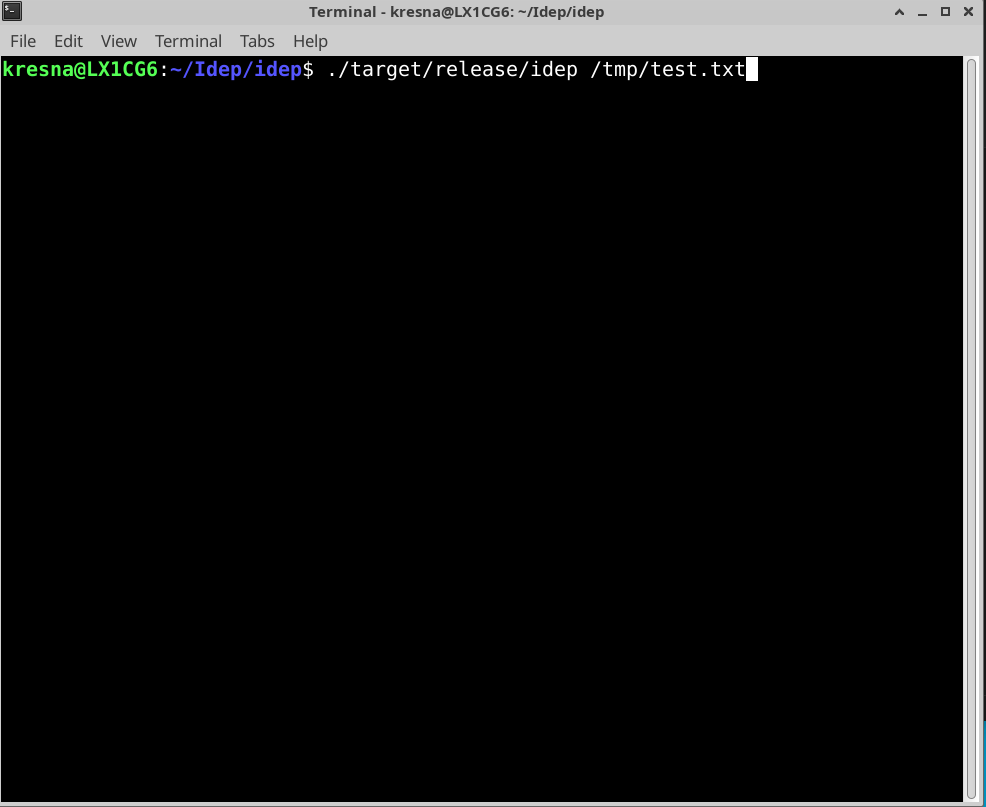 Running
 ./target/release/idep /tmp/test.txt — the editor launches instantly
What We Built
idep-tui is a terminal-based text editor that feels familiar if you’ve used Vim, but deliberately simpler. We focused on getting the fundamentals right:
- Modal editing: Normal, Insert, and Command modes
- Vim-compatible navigation:
h/j/k/l, word movement, line jumps - Proper undo/redo: Granular history (not full-file snapshots)
- Mouse support: Scroll and click-to-position
- Graceful shutdown: SIGINT handling with terminal restoration
The TUI is intentionally thin. All text operations flow through idep-core::Buffer — the same engine that will power our GUI editor later.
Core Features in Action
Navigation (Normal Mode)
| Key | Action |
|---|---|
h/j/k/l or arrows | Move cursor |
w/b | Word forward/backward |
0/$ | Line start/end |
gg/G | File start/end |
Editing
| Key | Action |
|---|---|
i | Enter insert mode |
dd | Delete current line |
u / Ctrl+r | Undo / Redo |
Ctrl+s | Save file |
Command Mode
Type : to enter command mode:
:w— Save:q— Quit (fails if unsaved):wq— Save and quit:q!— Force quit without saving
Error messages guide you: if you try :q with unsaved changes, you’ll see "unsaved changes — use :wq to save or :q! to force".
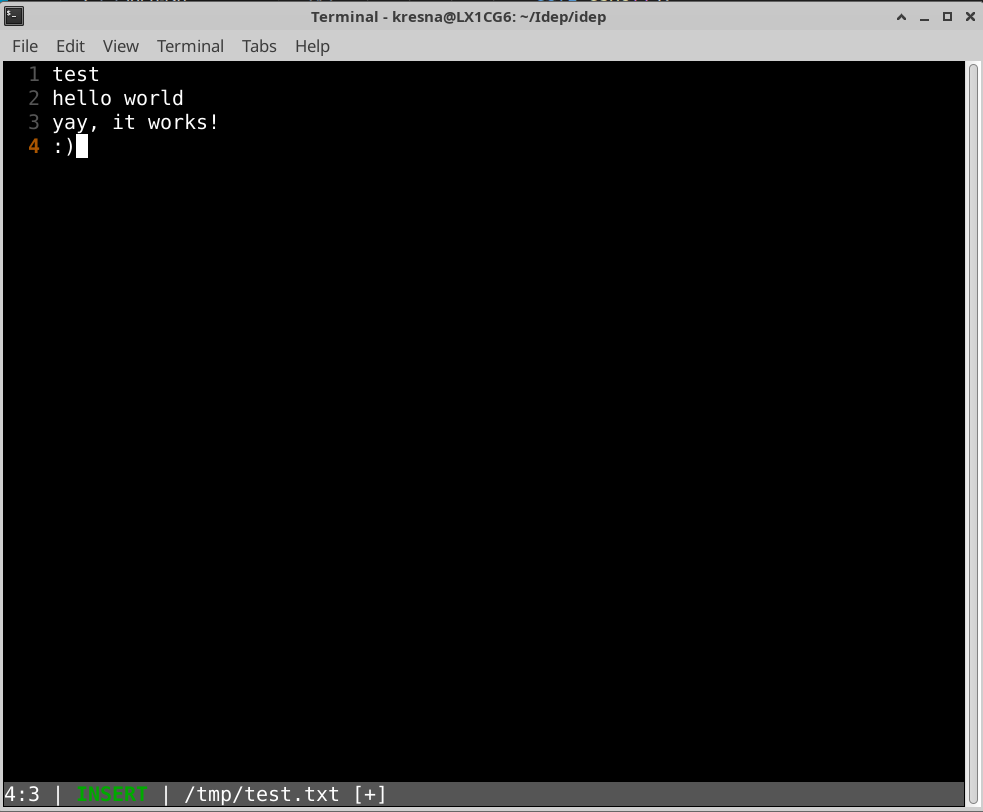 The status bar shows mode, cursor position, filename, and dirty state
Technical Highlights
ropey for Efficient Text
We use ropey for text representation — a rope data structure that gives us O(log n) edits regardless of file size. This matters when you’re editing multi-thousand-line files and every keystroke needs to feel instant.
Buffer as Single Source of Truth
The TUI layer is purely presentation. All operations — insert, delete, undo, redo, cursor tracking — go through Buffer:
// TUI calls Buffer methods directly
buffer.insert_char(cursor_pos, 'x');
buffer.delete_line(line_num);
buffer.undo();
buffer.redo();
This architecture means when we build the GUI editor later, we keep the exact same engine. Only the presentation layer changes.
Undo/Redo Done Right
We store operations not snapshots. Each edit creates an inverse operation:
- Insert → stores Delete inverse
- Delete → stores Insert inverse
- Cursor movements → tracked separately
Default history depth is 100 operations (configurable). This is memory-efficient and gives users fine-grained control.
TerminalGuard RAII Pattern
Terminal state restoration is critical. We use a TerminalGuard struct that:
- Enables raw mode on creation
- Sets up the alternate screen buffer
- Guarantees cleanup on drop — even if the process panics or receives SIGINT
let _guard = TerminalGuard::new()?;
// ... editor runs ...
// Guard drops, terminal restored to original state
Signal Handling
Ctrl+C (SIGINT) triggers graceful shutdown. We save any pending state, restore the terminal, and exit cleanly. No garbled terminals left behind.
WSL2 Verified
Tested on Windows Terminal 1.18+ with WSL2. Mouse events, key combinations, and unicode all work correctly.
What We Didn’t Do (Yet)
Intentionally excluded to ship v0.1.0:
- Syntax highlighting — Coming in v0.2.0 with tree-sitter integration
- Split panes / tabs — Single-file focus for now
- Configuration files — Hardcoded defaults, customization later
- LSP integration in TUI — Backend is ready, UI integration pending
Design Philosophy
Engine-First
idep-core::Buffer powers everything. The TUI is a thin wrapper. This lets us iterate on the UI without touching text manipulation logic.
Vim-Compatible, Not a Clone
We borrow Vim’s modal model because it’s efficient. But we simplify: no visual mode yet, no macros, no registers. Just fast navigation and editing.
Errors Guide Users
Command mode errors tell you what to do next. Unsaved changes blocking quit? The error message explicitly shows :wq or :q! options.
Cloud-Free, Local-First
No network calls. No telemetry. No account required. Apache 2.0 licensed — fork it, self-host it, integrate it.
Try It
git clone https://github.com/idep-editor/idep.git
cd idep
cargo build --release --package idep-tui
./target/release/idep file.txt
Requirements: Rust 1.70+, any modern terminal.
What’s Next
- v0.2.0: Syntax highlighting, basic theming
- v0.3.0: Configuration file support
- v0.4.0: LSP integration in TUI (diagnostics, completions)
- Future: Multi-file tabs, split panes, plugin system
The terminal editor is just the beginning. We’re building the engine that will power a full IDE — native, fast, and fully open source.
Want to contribute? Check out good first issues on GitHub.